The vanilla server. Rebuilt in Rust.
Calcite plays exactly like the official Java Edition server, bugs included. It just needs a fraction of the memory, and no Java at all.
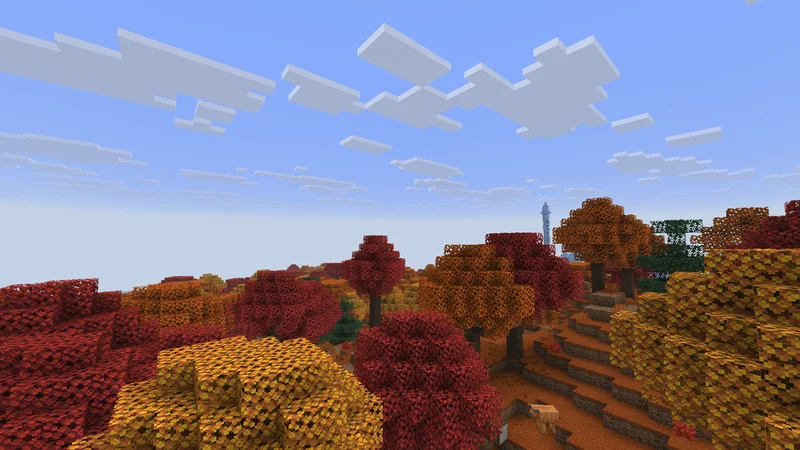
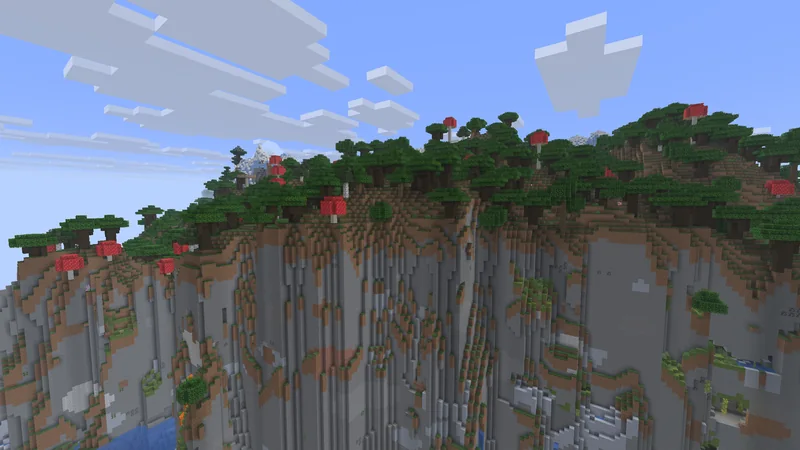
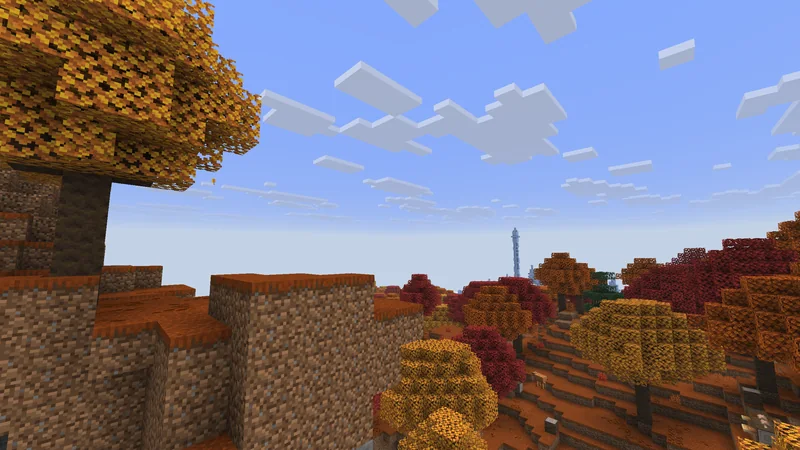
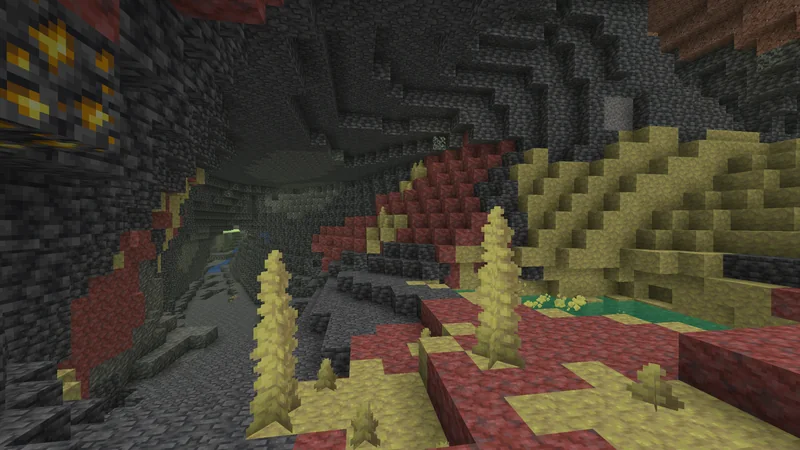
Same game. Less hardware.
- 207 MB
- for a world with 2,000 mobs. Vanilla needs 3,131 MB.
- 10 s
- to generate 1,024 new chunks. Vanilla takes 37.
- 80 % CPU
- of one core with 50 players online. Vanilla needs 115.
- Core i5-8500Intel, 6 cores at 3.0 GHz
- 16 GBof RAM
- NVMe SSDSamsung PM981, 512 GB
- Debian 13Linux 6.12
Who needs 3 GB?
Both servers ran the same flat world on the same machine. Each block is 32 MB of memory.
1,024 chunks in 10 seconds
We force-loaded a 32 by 32 chunk square of a brand new world on both servers. Calcite was done in 10 seconds and peaked at 316 MB. Vanilla took 37 seconds and 1,093 MB.
Is it really the same?
Every change plays the same scene on the real vanilla server and on Calcite. Then we compare every packet the two send back. If one byte is off, the change doesn't go in.
/damage Victim 100 minecraft:magicdamage_event type 27same on bothplayer_position 7.5 -60.0 1.77same on bothentity_event 35same on bothset_entity_data 6=3 9=1same on both
Bring your world
Drop Calcite into the server folder you already have. Nothing to convert, and you can switch back to vanilla any time.
- Worlds and player data, upgraded from old versions like vanilla does
- server.properties, ops, bans and the whitelist
- Datapacks and server resource packs
- RCON, query, the management API and the server window
Not in Calcite: plugins and mods, JMX monitoring and experimental features.
- world
- banned-ips
.json - banned-players
.json - eula
.txt - ops
.json - server
.properties  calcite-server
- usercache
.json - whitelist
.json
Up and running in a minute
-
Download it
One file. There's nothing else to install.
Downloads -
Put it in your server folder
Next to your world and server.properties. Starting fresh? It makes them for you.
chmod +x calcite-server -
Start it
The first run stops to ask you to accept the EULA in eula.txt, just like vanilla. Leave out nogui to get the server window.
./calcite-server nogui
Questions
Can I use plugins or mods?
No. Calcite is vanilla, so it runs what the vanilla server runs: datapacks and resource packs.
Java or Bedrock?
Java Edition. Players join with the normal game, no mods needed.
Do I need Java?
No. Calcite is a single native program.
Is it faster?
Yes. It uses far less memory, generates new chunks several times faster, and with 50 players online it needs about 30% less CPU. Each tick takes 34 ms where vanilla takes 41.
Can I go back to vanilla?
Any time. Calcite saves worlds in vanilla's format, so the vanilla server opens them as they are.
Windows or macOS?
Not yet. Linux x86-64 only for now.